Improvements related to event attendance

With this update, we’re introducing several improvements that make attendance tracking for players and staff clearer and more flexible. In this article, you’ll find out what new features are available and how to use them.
Webinar
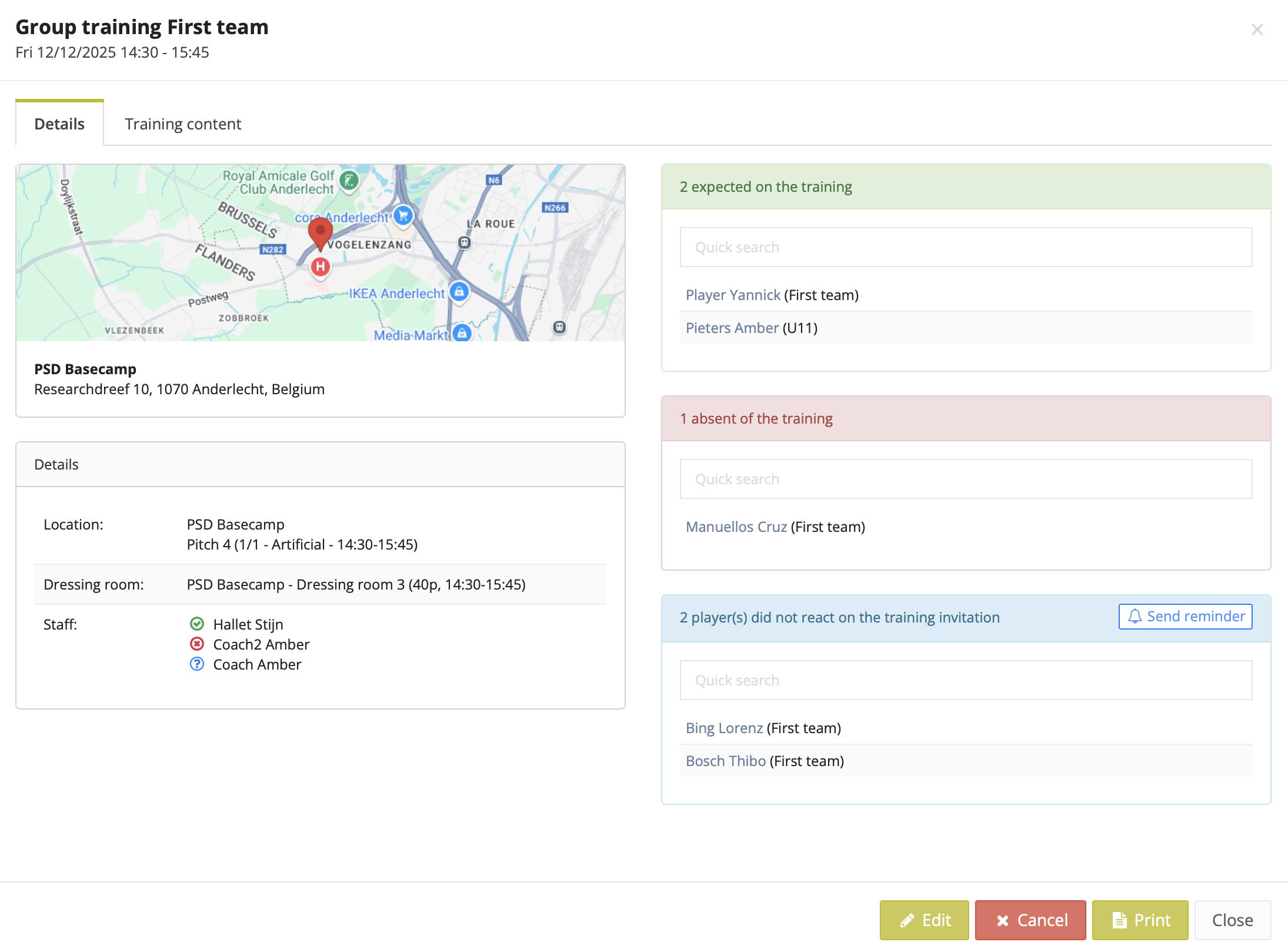
New third status: Unanswered
Besides present and absent, there is now a third status: unanswered.
- This indicates that the person has not yet made a choice.
- Staff members can see at a glance who is present, who is absent, and who still needs to submit their attendance.
- As a staff member, you can also send a manual reminder to all players who haven’t responded yet.
Default attendance status per type
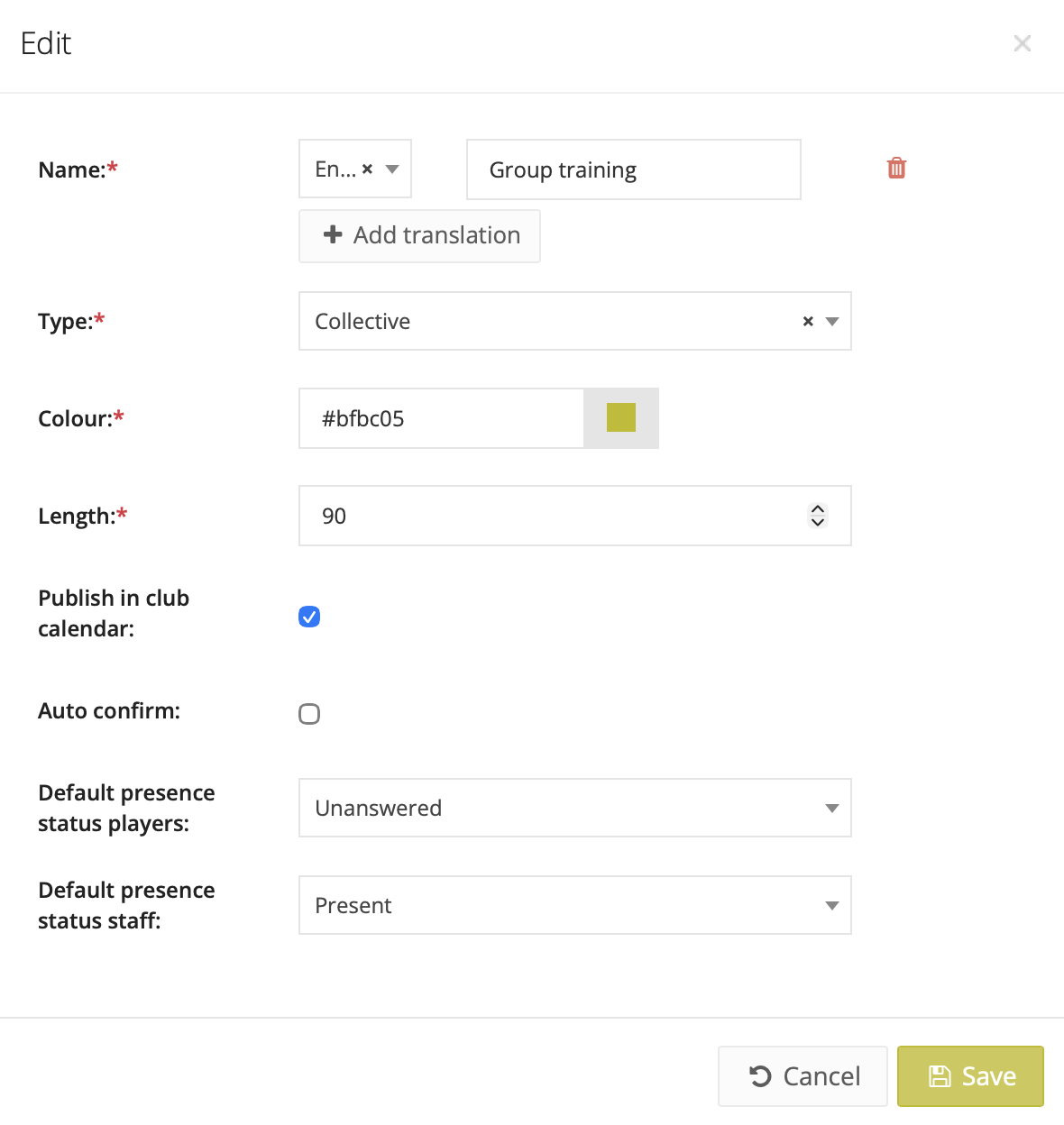
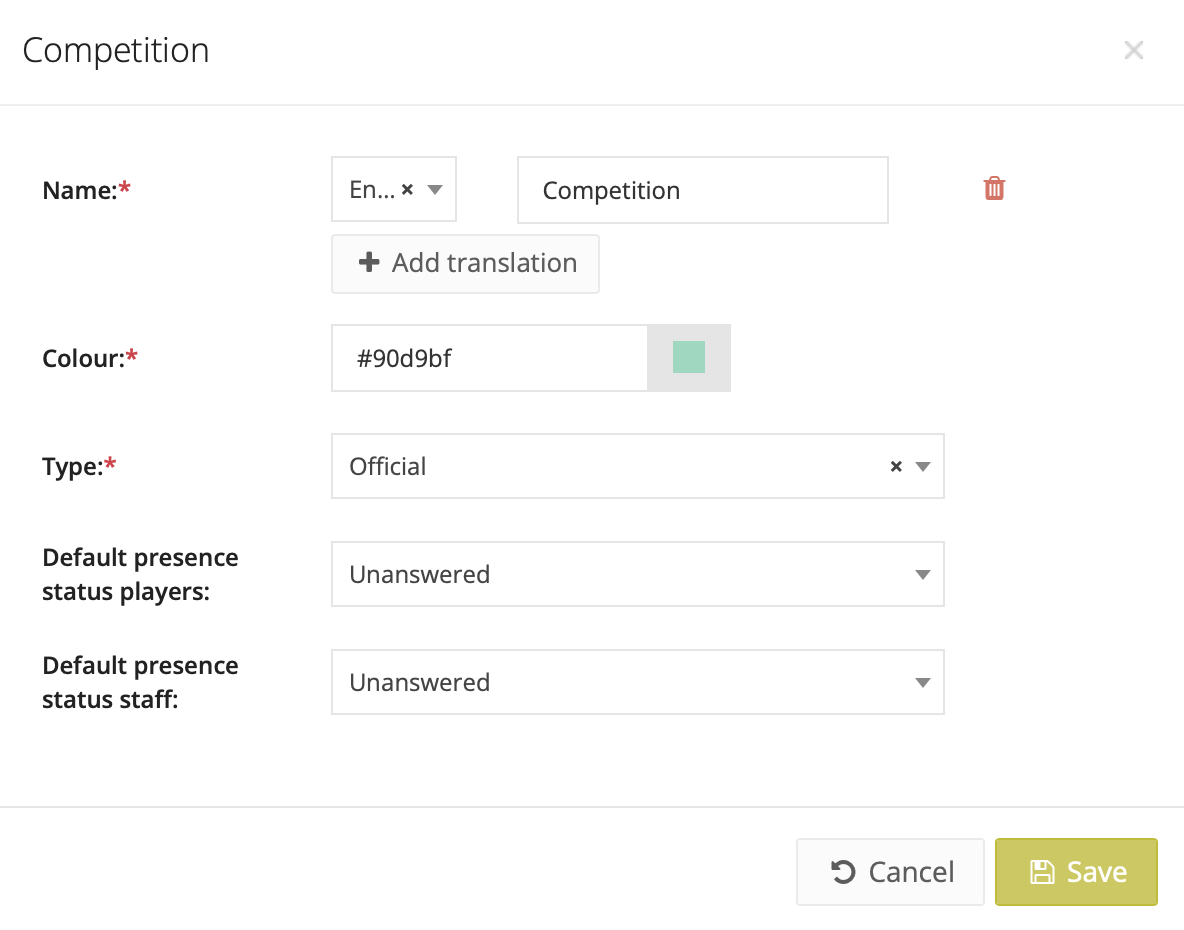
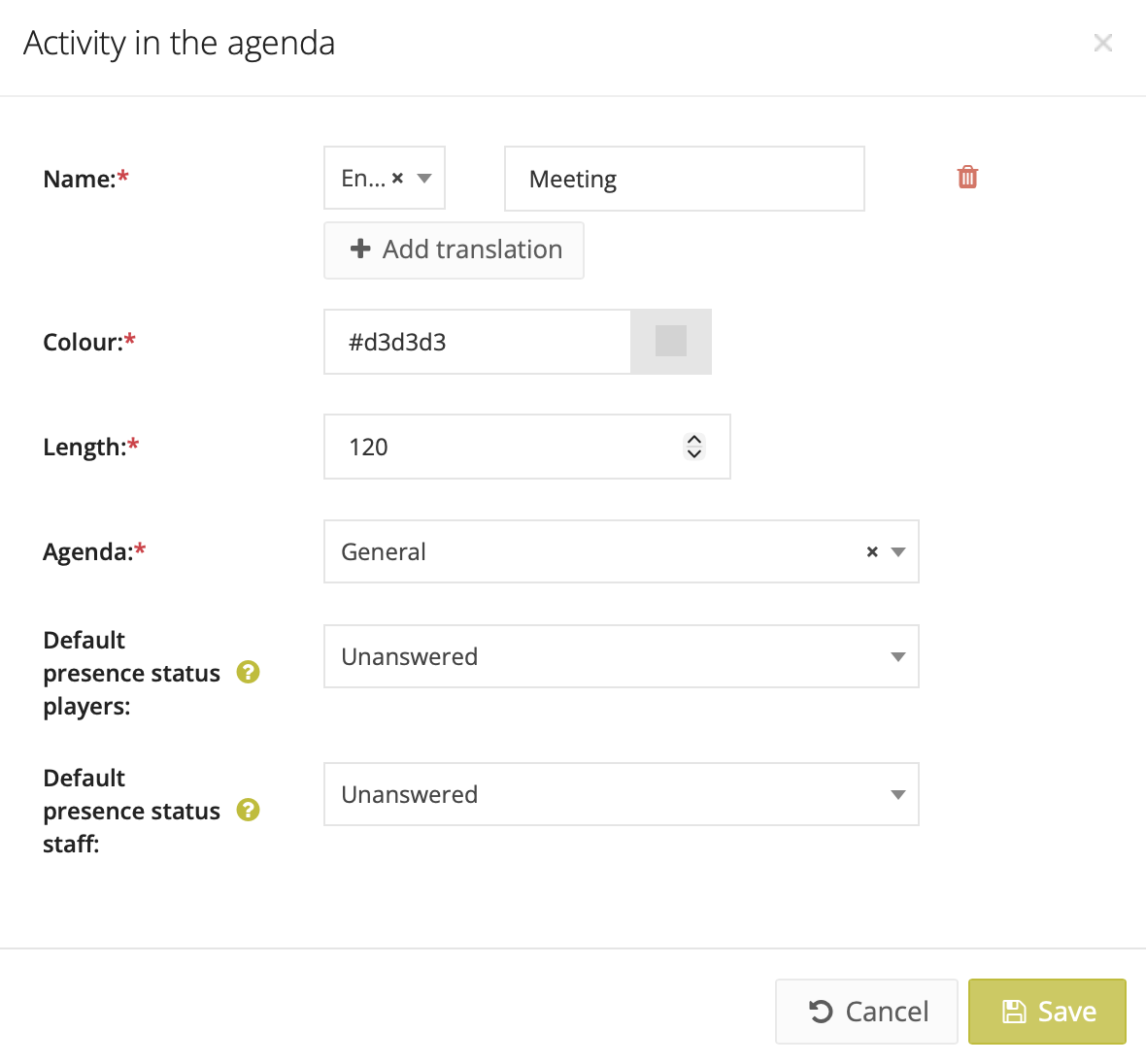
You can now define the default status for players and staff: Present or Unanswered. This can be set per:
- Training type
- Competition type
- Activity type
You can also adjust the default at event level when creating a new training session, game, or activity.
Staff absence
Staff members can now:
- Mark themselves present or absent for trainings, matches, and activities;
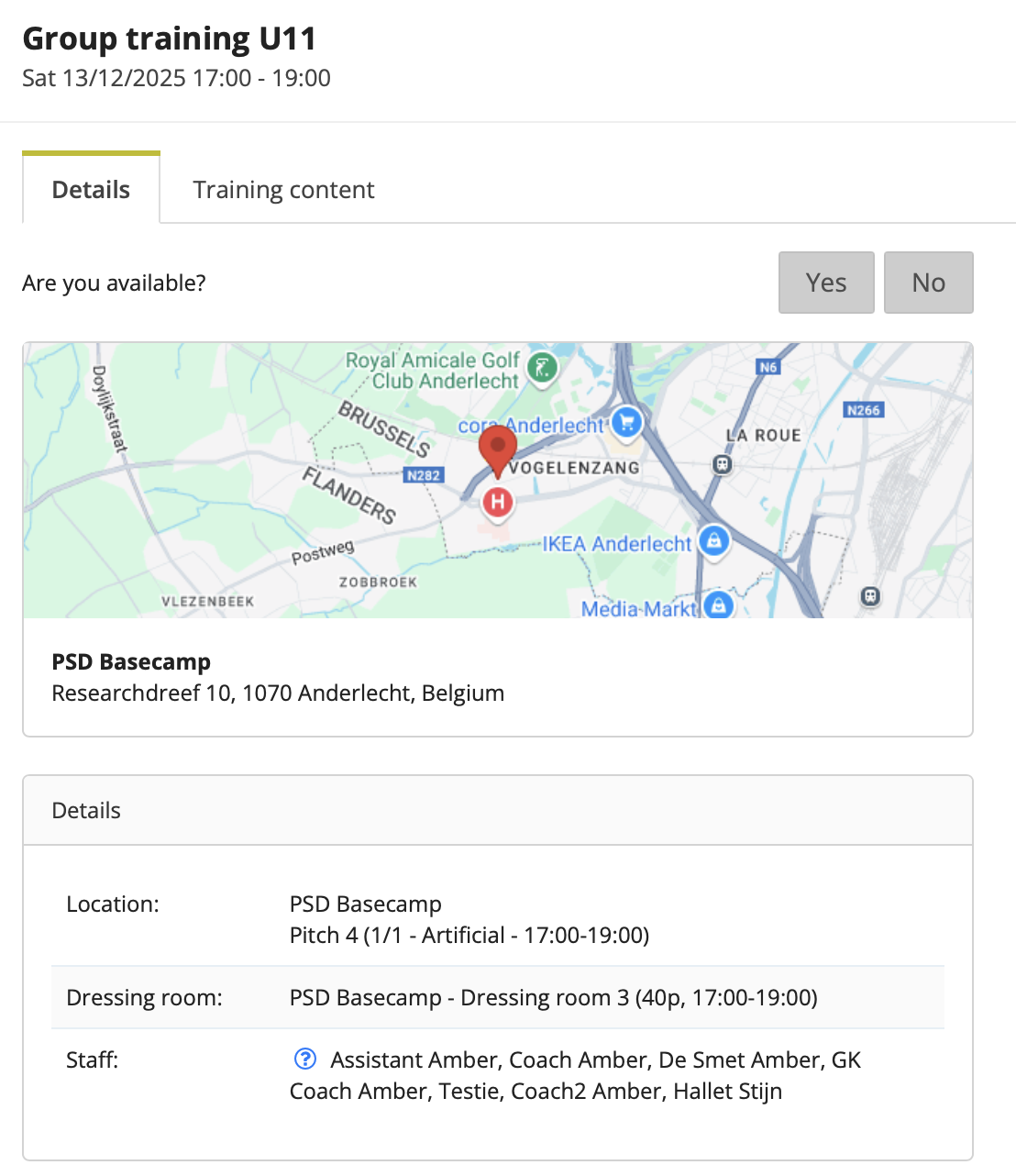
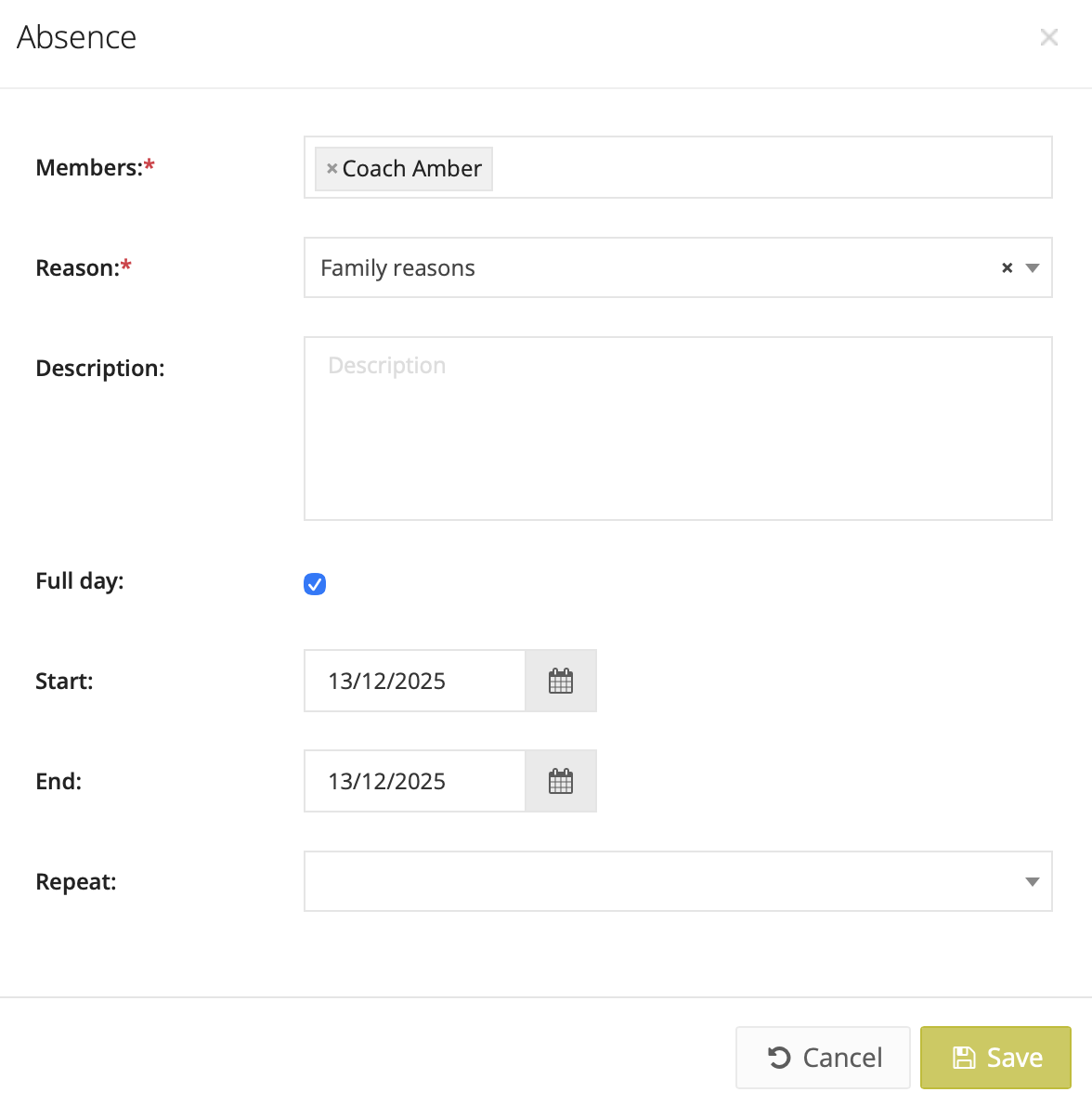
- Add an absence (e.g. holidays, illness), just like players already could.
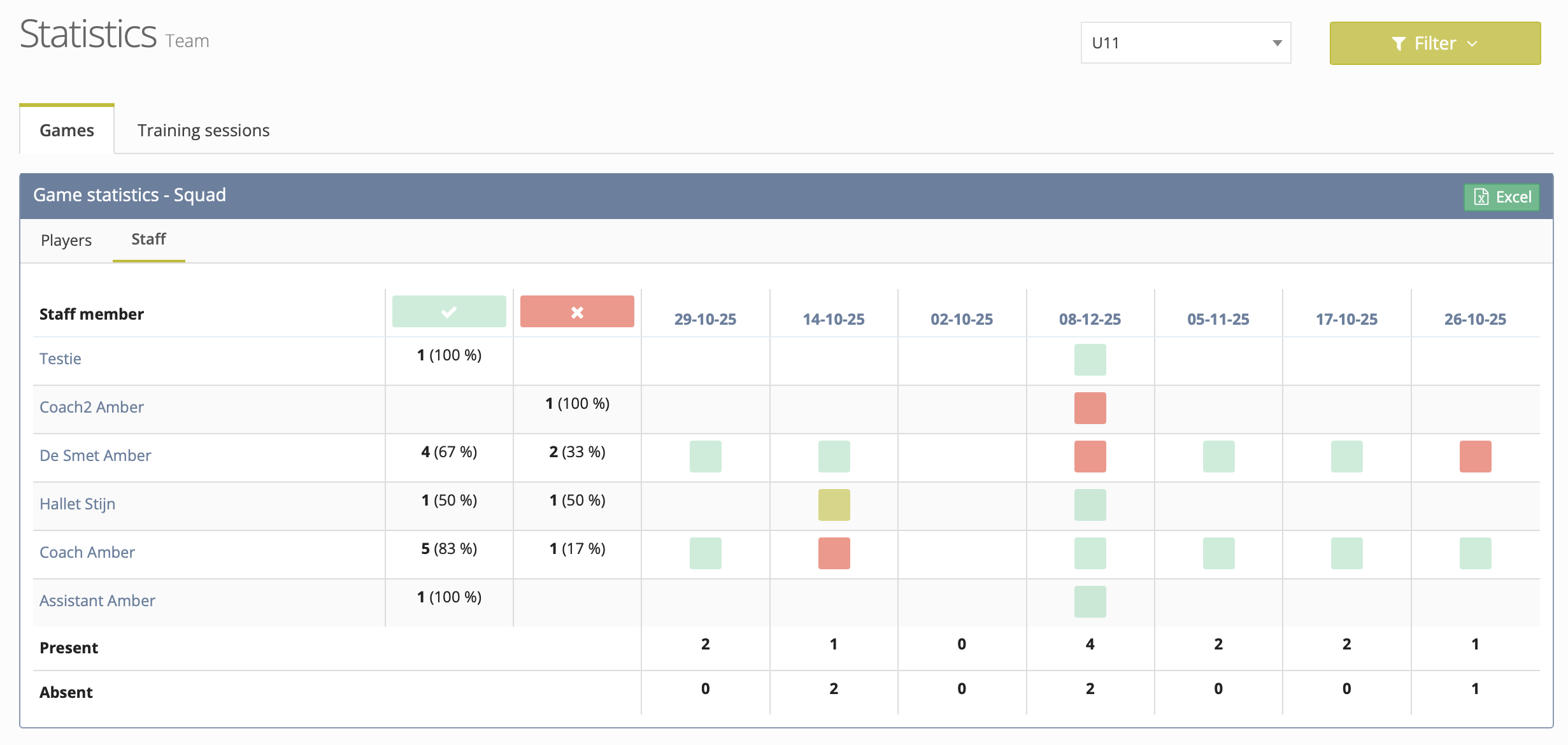
Staff attendance is now tracked and displayed in the Statistics module, just like player attendance.
Sportive roles (replacement for function title)
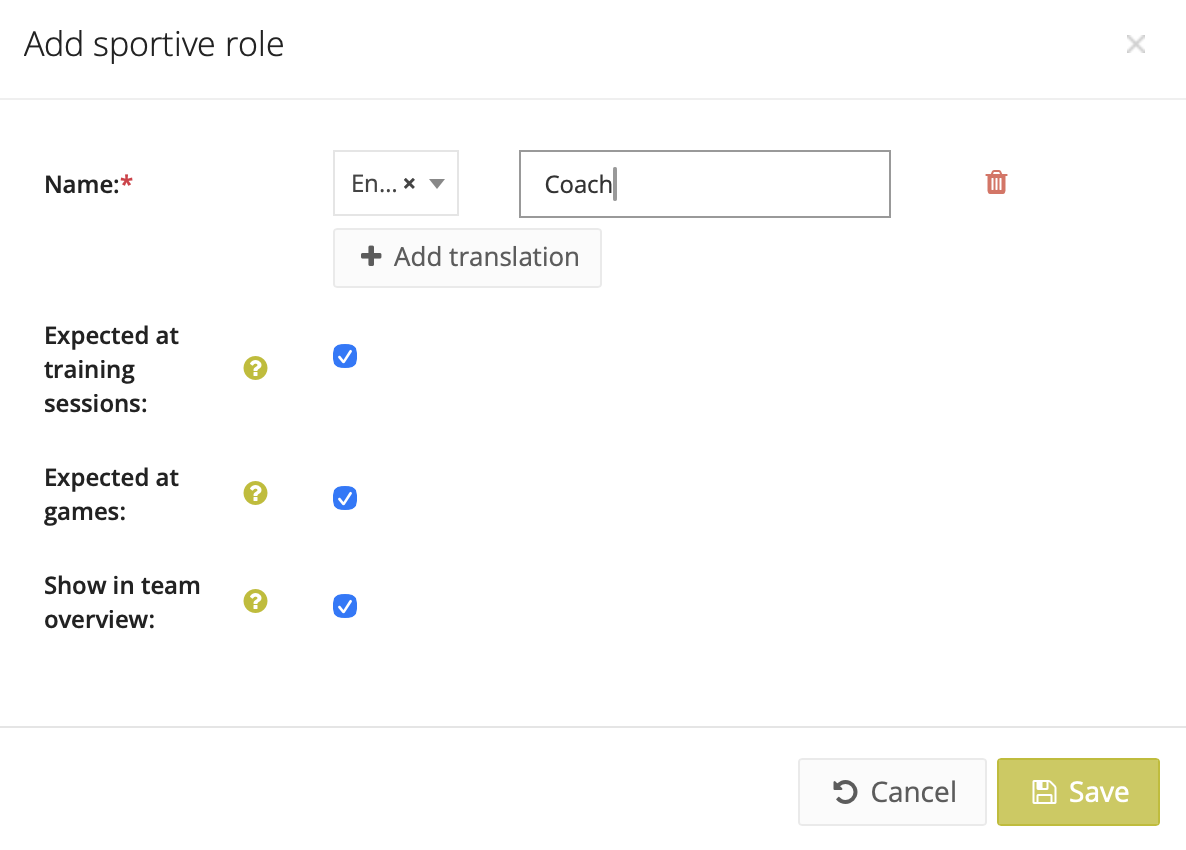
The new sportive roles can replace the function title.
They can be managed via Control Panel > Settings > Sportive > Sportive roles. For each role, you can define whether someone is:
- automatically linked to the team’s games;
- automatically linked to the team’s training sessions;
- visible or not in the team overview.
A staff member can be given a general sportive role via Administration > Staff (column: Main role), but this can be adjusted per team.
Coach role*: linked to training sessions and games
Delegate role*: linked only to games
In this case, the person is linked to both training sessions and games for U9, and only games for U16.
* You can configure which rules apply to which role.
Reset attendance when the event date changes
When you change the date or time of an event, you can choose to:
- Keep existing attendance, or
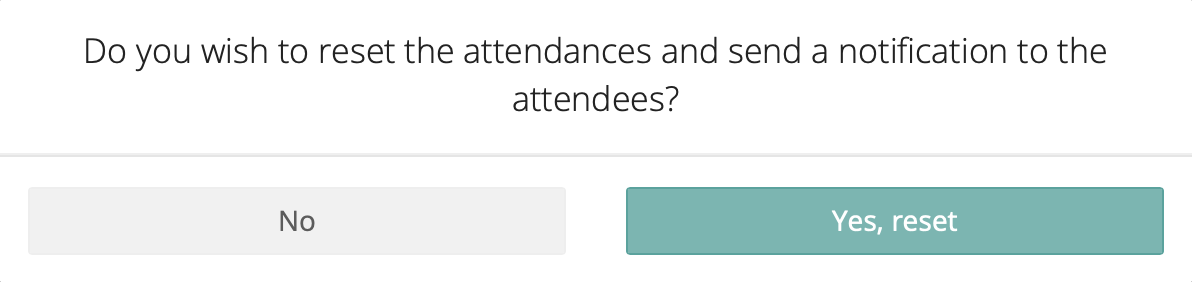
- Reset attendance and send a notification so everyone must confirm again
Mobile app
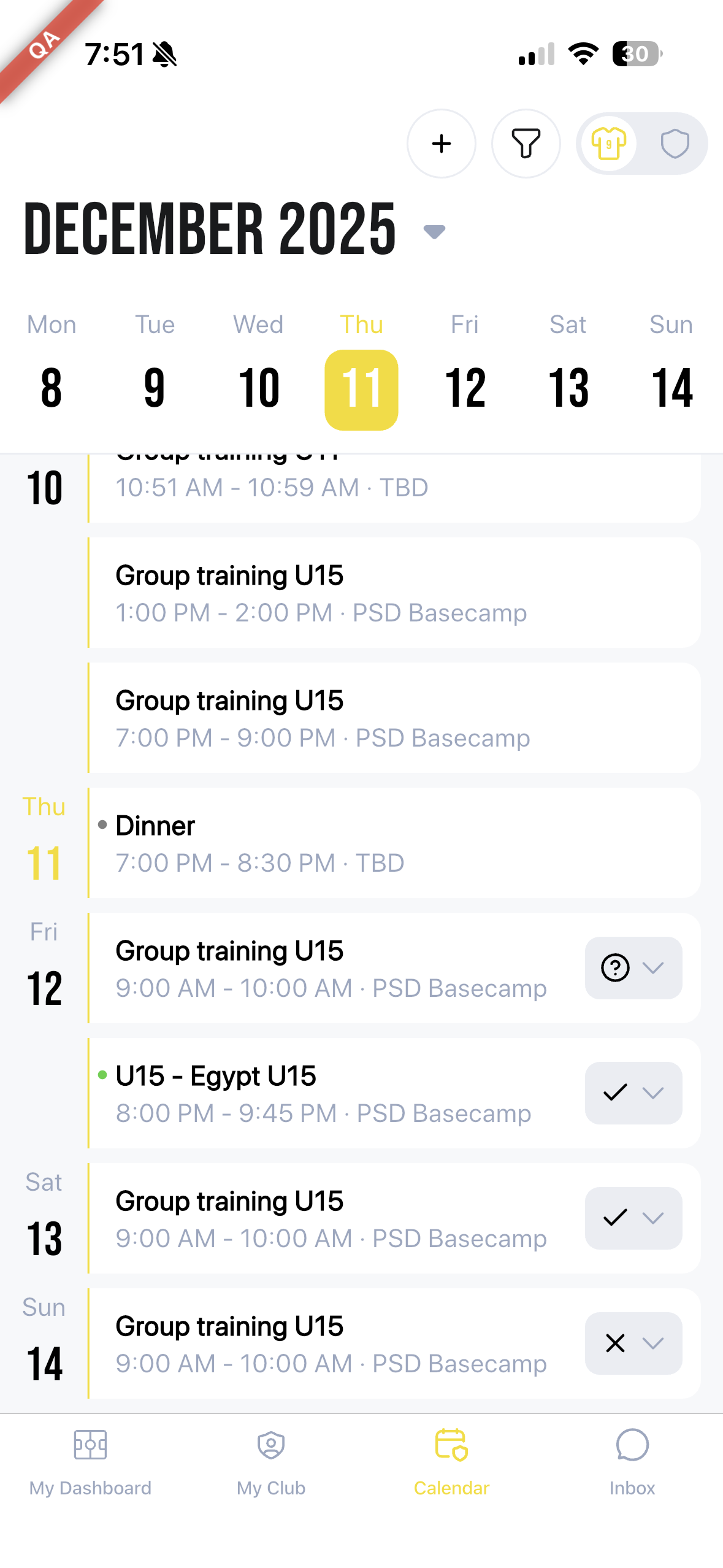
In the personal calendar of the mobile app, you get a clear overview:
- Where you are marked present (✓)
- Where you are marked absent (X)
- Which events you still need to confirm (?)
The mobile app update (4.9.0) is mandatory. Everyone receives a pop-up asking them to update before they can continue. We recommend informing members beforehand.
FAQ
Did existing events get a new default setting?
No, existing events remain unchanged.
Do admins need to configure anything to continue using PSD?
No, you can keep working the same way. Changing settings is possible but not required.
Do sportive roles affect rights?
No, sportive roles have no impact on staff rights. They are for informational and organisational purposes only.
Do members need to do anything to keep using the mobile app?
Yes, they must install the update (4.9.0) when it becomes available on December 16.
Questions or need help?
Our support team is ready to assist you. Contact us via support@prosoccerdata.com.
